

When building a website, it’s important to choose the best WordPress hosting for a smooth and secure run. And as a beginner, trust me, the task is way more confusing than it seems.
There are lots of hosting providers offering tons of features, including fast speeds, 99% uptimes, and so on. But how do you know exactly what factors to consider when getting web hosting to start a WordPress Blog or website? Well, it should be based on the size, purpose, and security requirements of your website.
However, some other major factors also come into play while buying the hosting plan. In this article, we’re gonna see all of that. So tag along!

Types of WordPress Hosting Available
Traditionally, a web host rents the space of its web server. The tenants store their site files based on the plans they purchase. This server runs 24×7, making the websites hosted there to become accessible to anyone who wishes to visit anytime.
Earlier, people used to share the server space or rent the entire server depending on their use cases. But now, with the advent of cloud computing, newer technologies have introduced newer types of hosting solutions, such as VPS and cloud hosting.
Let’s look at all of these in the explainer section below:
Shared Hosting
On a shared hosting plan, you are using the same server as others. Usually, you will get a portion of the server space to keep your site files. The rest of the server resources, such as CPU, Memory, and Networking, are shared among the tenants.
The main benefit of shared hosting is that it tends to be very cheap. That is a very good thing for those who are just starting up their first website or blog. Another benefit is that you do not need to worry about server maintenance. The hosting provider will handle everything from server hardware to software and take measures when the server goes down.
That means many websites will be hosted on a single server. If one of them pulls more traffic, then the other sites can slow down as everyone is sharing the same resources.
Thus, if your site grows and needs more resources, you will need to move to a plan that provides more space and the ability to handle more traffic like dedicated hosting or VPS.
Managed Hosting
In a managed hosting scenario, you give all the work from maintaining the servers to your site’s WordPress installation, update, and maintenance to the hosting company. You just worry about your site and its contents. The rest is handled by the experts running the servers.
Compared to shared hosting, you will lose some control in terms of installing specific plugins and such. But in return, you’ll get a fast WordPress installation where the hosting provider ensures fast loading times using CDN and caching.
Managed hosting is generally cheaper while providing the speeds of a dedicated server in a single package.
Dedicated Hosting
This is when you take the entire server resources and allocate them only for your website. There will be no other website hosted on that specific server. Your site will always be fast and seamless. Large businesses and eCommerce sites usually go for this plan.

Dedicated hosting is the most expensive type of hosting compared to all the other types mentioned in this list. The hosting provider rents out the entire server to you. That means you are responsible for managing the server (OS updates) as well as maintaining the site. This gives you more control as you can practically run your own choice of operating system.
This type of hosting increases the security of the data present on your website. As you are the one maintaining the servers, there is less risk of a data breach. But on the downside, you need to have extensive knowledge of maintaining servers and IT infrastructures.
Virtual Private Server (VPS)
A VPS server behaves like a dedicated server but in a shared environment. Here, the server’s resources are divided among the users. So, every tenant has their own server and its environment, which they can run on their own. Everything is done on a single server, so the storage solution is shared, but the computational resources are allocated separately for everyone.
This is perfect for those who do not need an entire server but want to control every aspect of the hosting according to their needs. Small startups are perfect candidates for such plans.
Factors to Consider Before Choosing a Web Hosting
When you are looking at the different hosting plans from providers, price is the first thing that most of us look for. During the quest for the best WordPress hosting, evaluate the requirements of the site and then choose the best plan that you can afford.
However, it is a good idea to go over the features that the hosting plan provides. The access time of the server, the ability to cache contents, and backup benefits when the site goes down are some important things to consider. These will ensure that your site is fast while remaining safe at the same time.
Below, you will find 7 such aspects that you need to consider when choosing a web host:
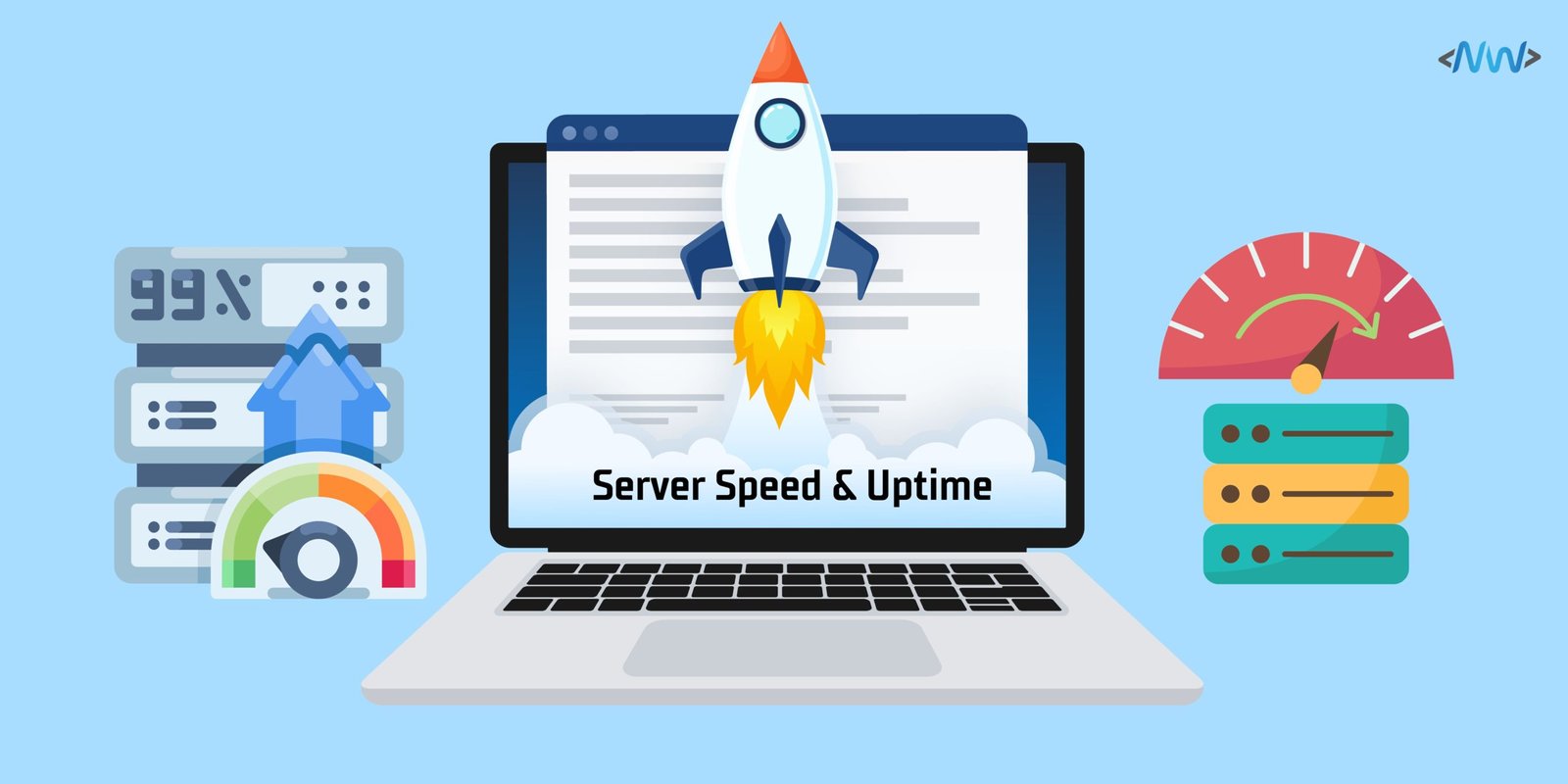
1. Server Speed and Performance
Access times are paramount for any website. If there is a delay, even in milliseconds, people will not wait for the site to load and go away. That means your visitor count will take a hit, which no one wants.
So, ensure the server’s computational resources are adequate to handle your site’s load. The server’s CPU and Memory often determine how fast it will act to requests. If they cannot handle the large number of visitors requesting the site’s access, your site will experience a slowdown.
And remember, not every site’s computational requirement will be the same. A shared hosting may only provide a server with a 4-core CPU with 4 Gigabytes of memory. That is enough to handle a simple website with low traffic requirements. But let’s say you have a video streaming site with many concurrent users. Its demands will be wildly different, sometimes requiring a cluster of dedicated servers with many CPU cores and hundreds of Gigabytes of RAM.
Also, note if the plan comes with a free CDN (Content Delivery Network) server. A CDN or caching server accelerates the loading time of a site by hosting it on different servers present in many geographical locations. The visitors will feel as if the site is hosted right in their country. Cloudflare is a popular CDN service that many hosting providers use.
2. Uptime of Web Hosting
A website’s uptime refers to the time when a site is available to its users. If someone cannot visit your site, then imagine the purpose of having a site in the first place. Normally hosting providers guarantee 99.9% of a site’s availability. Check what level of uptime you are getting in your hosting plan.
A site’s uptime often determines its growth. Even if the site is down for a few minutes, that impacts the visitors from using it. And for sites that provide any types of services like Tax calculation, this means the same users will divert to a different website. You will lose valuable audiences during crucial times. The same users will also give bad word of mouth to your future audiences.
So, take special consideration how the host will act when the servers are down and if there are any backup servers replacing in its place.
3. Backup Features
Backup is very crucial for your website. During the events when a site is compromised, backups ensure the site’s data remains safe, and that is used to bring the site back online as early as possible.
Remember not to take backups lightly and go for a plan that provides free automatic backups. Then, you can remain assured even when you forget to back up the site’s contents.
4. Security Toolsets
Your host provider should ensure firewalls and antivirus systems protect the servers. These days, you can get a built-in malware scanner with your hosting plan, so check if you are getting that.
For your site’s security, ensure you are getting a bundled SSL certificate. This makes sure the visitors are making secure and encrypted connections to your site. Normally, you have to purchase these separately and come with a yearly license. So, if the host is giving it for free, make sure you get that plan.
Also, check if the plan has protection against DoS or DDoS attacks. These can make your site appear down by diverting extra traffic to the servers. Hosting services normally have protections against these, and you do not need to pay extra in most cases.
However, if you’re wondering whether WordPress is a secure platform or not, then I recommend reading our article on WordPress Security Guide to know more.
5. Prompt Customer Support
When your site gets down, that’s the time you need the providers the most. They guide you and provide assistance to make sure the site gets back online. That is why choosing a provider who has 24/7 support means they will be available round the clock.
Make sure you have direct support using calls. There are email and text options, too, and check how long they take to contact you back. Because during a disaster, you want them to reply immediately and provide the server support.
6. Staging Area
A staging area is where you can make changes to your site without affecting it in real time. Think of it as a sandbox environment where you can roll out new features and test them.
This feature is critical for large businesses and companies. Usually, they cannot afford to be offline when something on the site breaks down. So, a staging area provides you with a safe place to fix the problem without the site going down.
This feature is uncommon in the cheaper plans as businesses in that target demographic do not need them. If your business needs a staging area, make sure your hosting plan has it included.
7. Scaling Capabilities of the Server
With time, your website will grow. That will attract more visitors every day, giving more load to the servers. Normally, the base plans are not designed to handle extreme loads. This will beg the question of how you will handle the extra visitors on your website.
So make sure your plan comes with the ability to shift to more powerful servers when the need arises. The provider should provide you with the tools that do the migration automatically. Check if there are extra charges needed for this process.
These are some main factors to consider while searching and choosing the best WordPress hosting for your business. The ability to scale to a more powerful server means you can increase the site’s ability to handle more traffic as your site grows. Likewise, speed, uptime, and others stated above are the features that every hosting provider should provide.
Some of the Best WordPress Hosting Providers
There are many hosting providers giving you the option to go for a shared, managed, or even a dedicated hosting plan. One thing common with all of them is the discounts you get for the first year. If you get the plan for the entire first year, it will almost cost you half of what you pay normally.
And the ongoing Cyber Monday Deals on WordPress products include hosting providers as well. Some of them are offering a once-in-a-lifetime sale. So, if you’re into web hosting, now is the time to get one!
Anyway, while there are countless WordPress hosting providers to choose from, I have shared the plans from three very popular companies going around.
Let’s see the popular and some of the best web hosting solutions:
1. Cloudways Web Server
Cloudways provides cloud WordPress hosting starting at $8.4 per month for a 25 GB storage plan. You are getting free SSL for the first year with CDN, automatic backups, assisted migrations, and a staging area. Also, they’re offering a 40% discount for the first 4 months with 40 free migrations and a lot more.

WPengine
WPengine is another provider of managed WordPress hosting. The base plan with 10 GB storage starts at $15 per month. You get a staging area, automatic updates, and a caching server as part of the plan.
SiteGround
SiteGround also has WordPress hosting starting at $4 for 10 GB of storage. It provides managed hosting on all plans with automatic WordPress installation, free SSL, and a migration tool among many of its features.
They have their distinctive plans specifically curated for Websites, WordPress, and WooCommerce. Currently, an extended Black Friday Sale is going on their site offering an insane 85% off hosting!
Bluehost
Bluehost’s basic WordPress hosting starts at 10$ per year. But if you jump to the 25-dollar plans, you get free CDN, SSL, custom themes, and added security.
GoDaddy
GoDaddy’s managed WordPress plan starts at $5. They give you free SSL and domain names for the first year. With the higher tier plans, you are getting protection against DDoS attacks, Cloudflare CDN, and a staging site.
Hostinger
Hostinger’s basic WordPress hosting starts at 2.95 dollars after a discount. You get 100 GB storage, free domain, plus backups. When you upgrade, you get a free CDN, a dedicated IP Address, enhanced backup, a staging area, and so much more.
Before choosing a plan, get a notebook and write down all your requirements. Then, align those with what the different providers are giving you. Then you can get the best deal with the addition of goodies.
Frequently Asked Questions
Closing Remarks
As you saw here, there are many things to consider when choosing a WordPress hosting plan. Ensure that you get everything your site needs and do not compromise on the site’s speed and security.
Go through the provider’s plans thoroughly and ensure that you are getting everything according to the demands of your site. Check how the host handles when upgrading to a new plan or migrating to a different provider entirely.
That pretty much sums up this article. Hope you find it useful and get the best WordPress hosting for your site.